

Branching
Explore alternative conversation paths without losing context
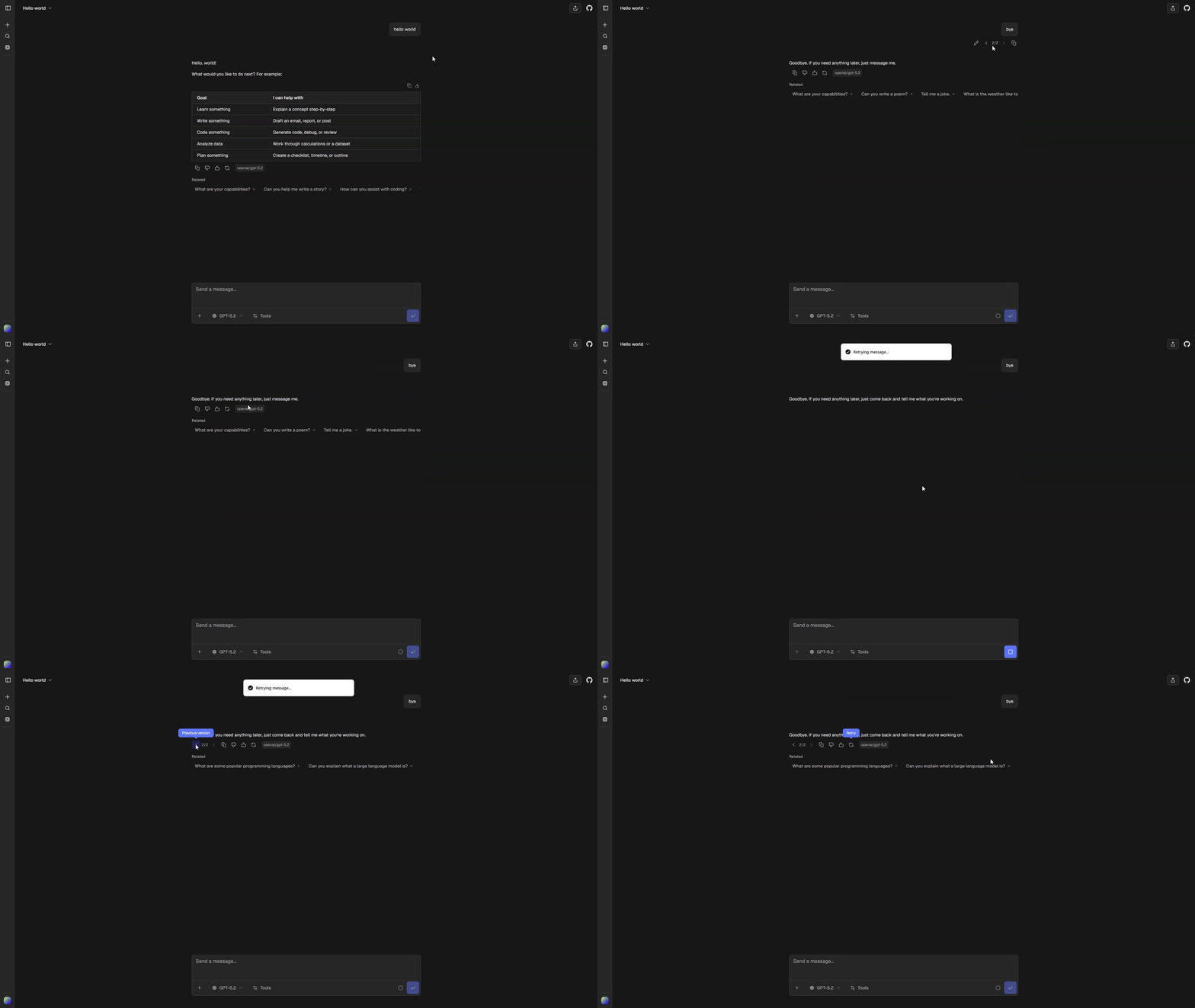
Branching lets you fork a conversation at any message and explore another direction without replacing the original path. Editing a message or generating another response creates a sibling that you can return to later.
How it works
Every message has a parent, which forms a conversation tree. ChatJS displays one root-to-message path at a time while keeping the other branches available.
The selected message is the cursor. Sending a message continues from that cursor, so selecting an earlier node before sending creates a new branch.
Navigate branches
When a message has siblings, arrow controls show the current position, such as 2/3. Use the arrows to move to the previous or next branch.
Switching branches:
- changes the active conversation path
- preserves responses that are still streaming on other branches
- clears transient data that belongs to the previous path
- closes an open artifact when its message is not in the selected path
- follows the selected branch to its latest descendant
Edit a message
Editing creates a replacement branch. The original message and all of its descendants remain in the tree, so you can switch back with the same sibling controls.
Data model
Messages are persisted with a parent message ID. Root messages have no parent. The client uses useThread to project the selected path and to keep each active assistant response attached to its own reserved node.
See useThread for the tree, cursor, active-path, and run model.